Update Subscription Settings in Baamboozle Platform.mp4
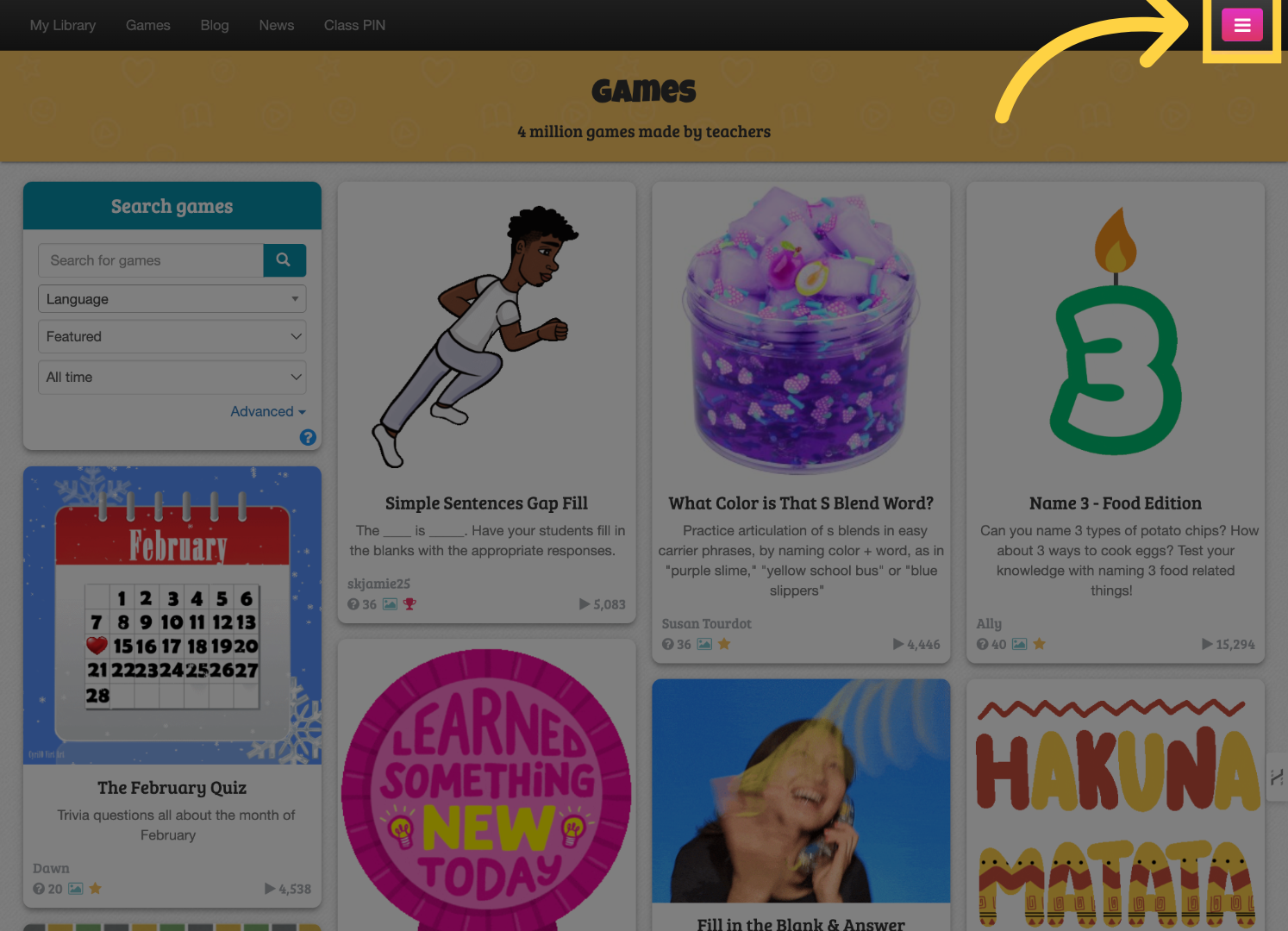
Click on the "Menu" button.
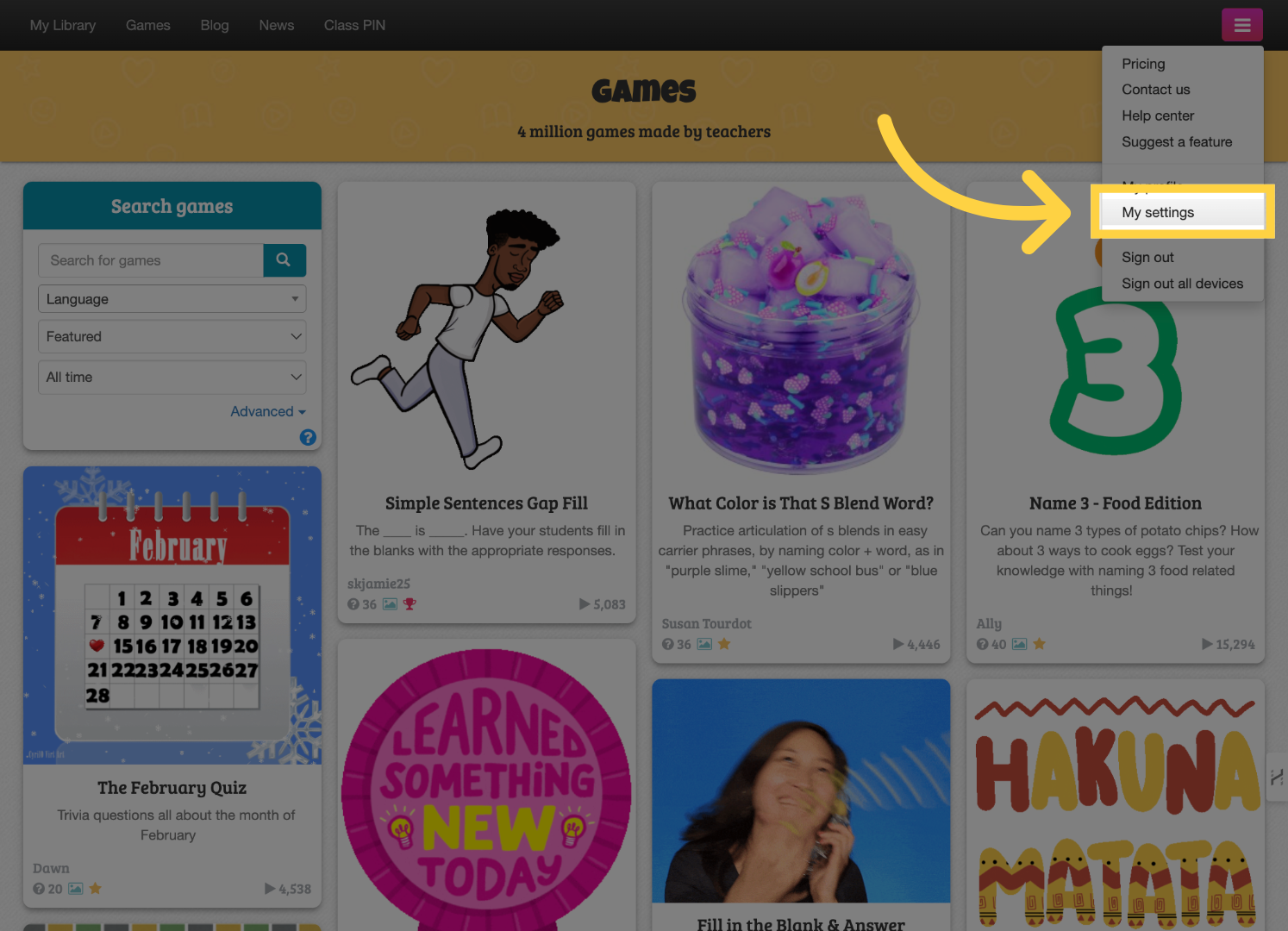
Choose "My settings" from the drop down list.
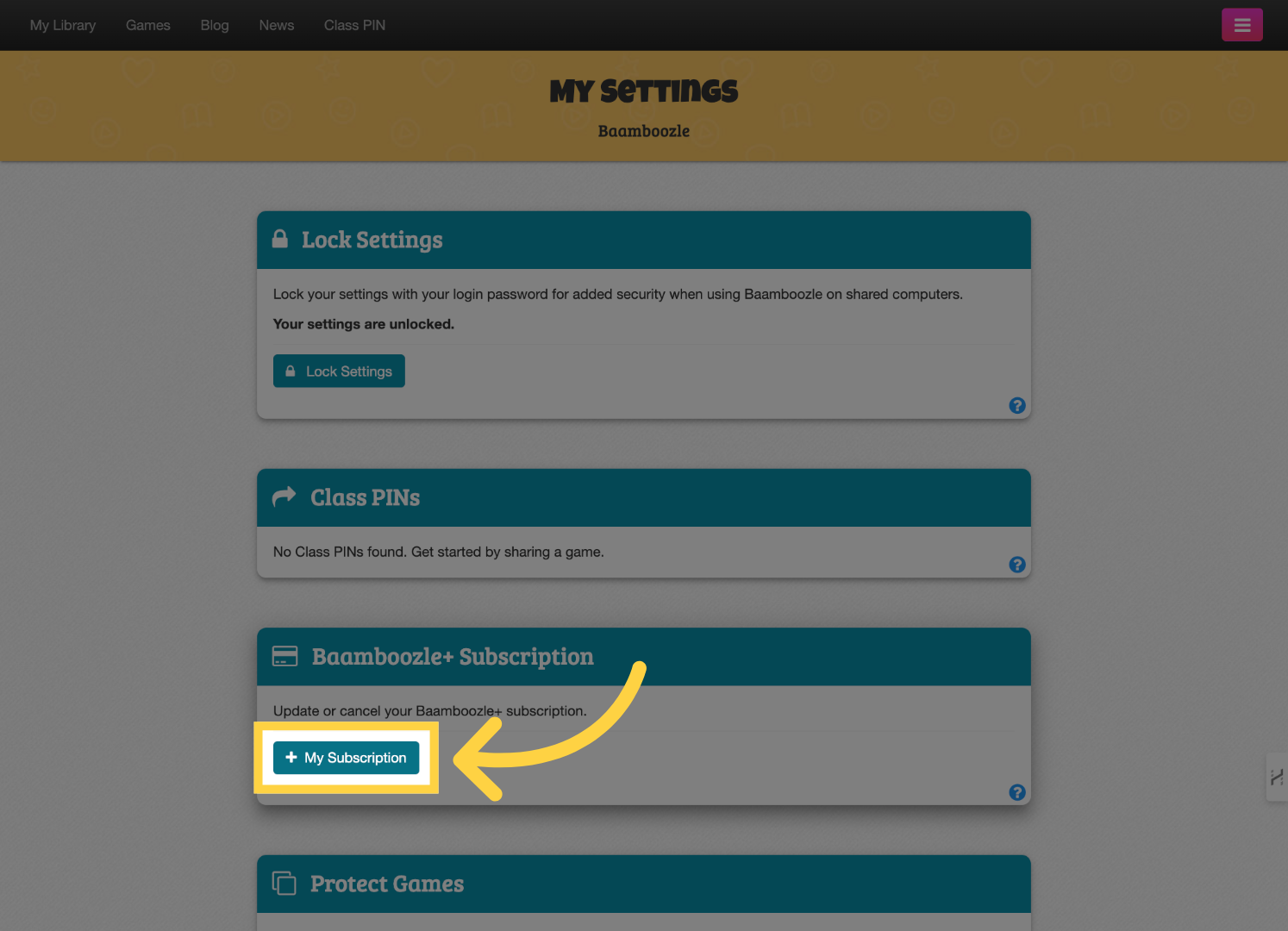
Click "My Subscription" to open up your subscription.
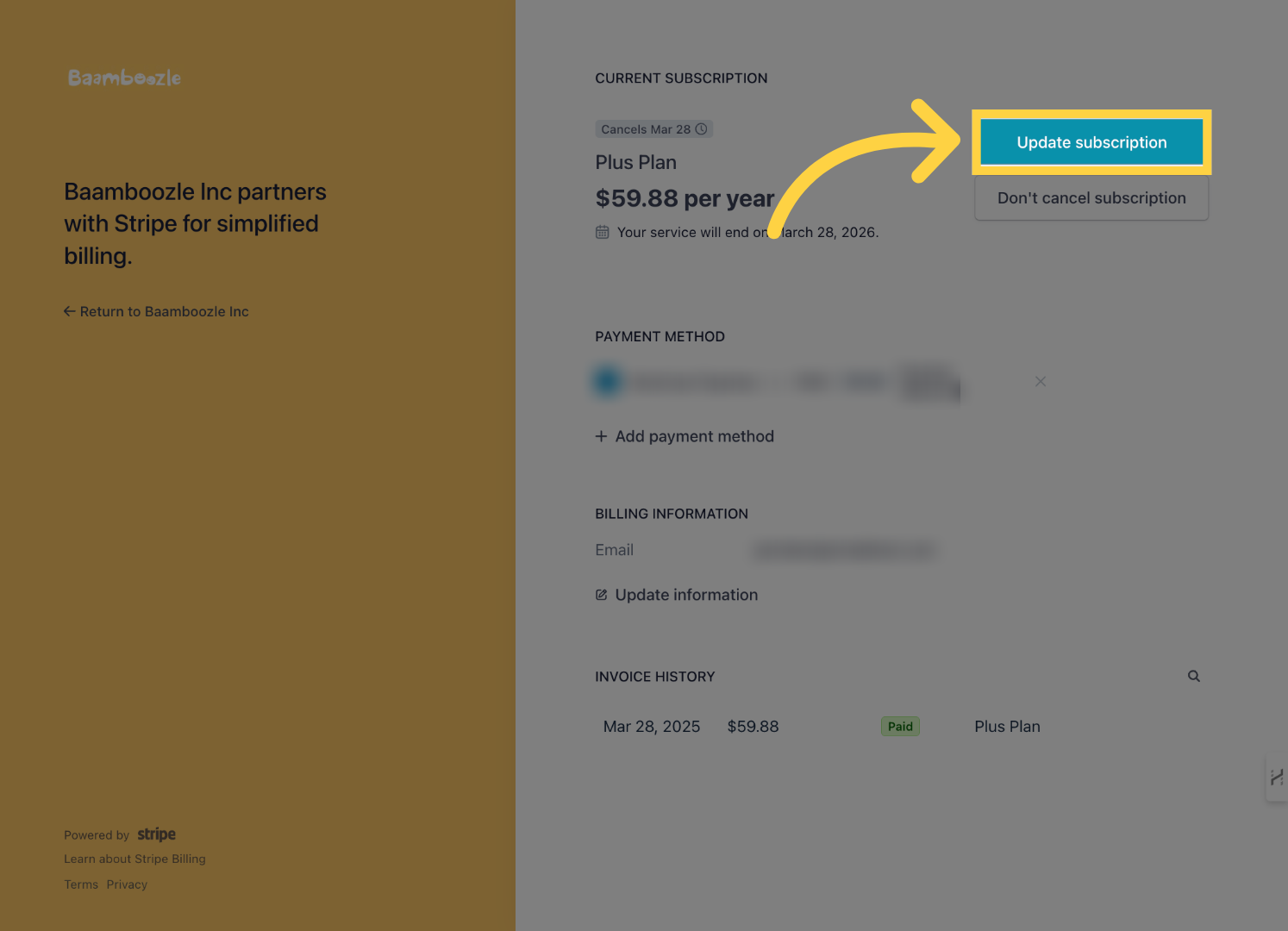
Select the option to update your plan.
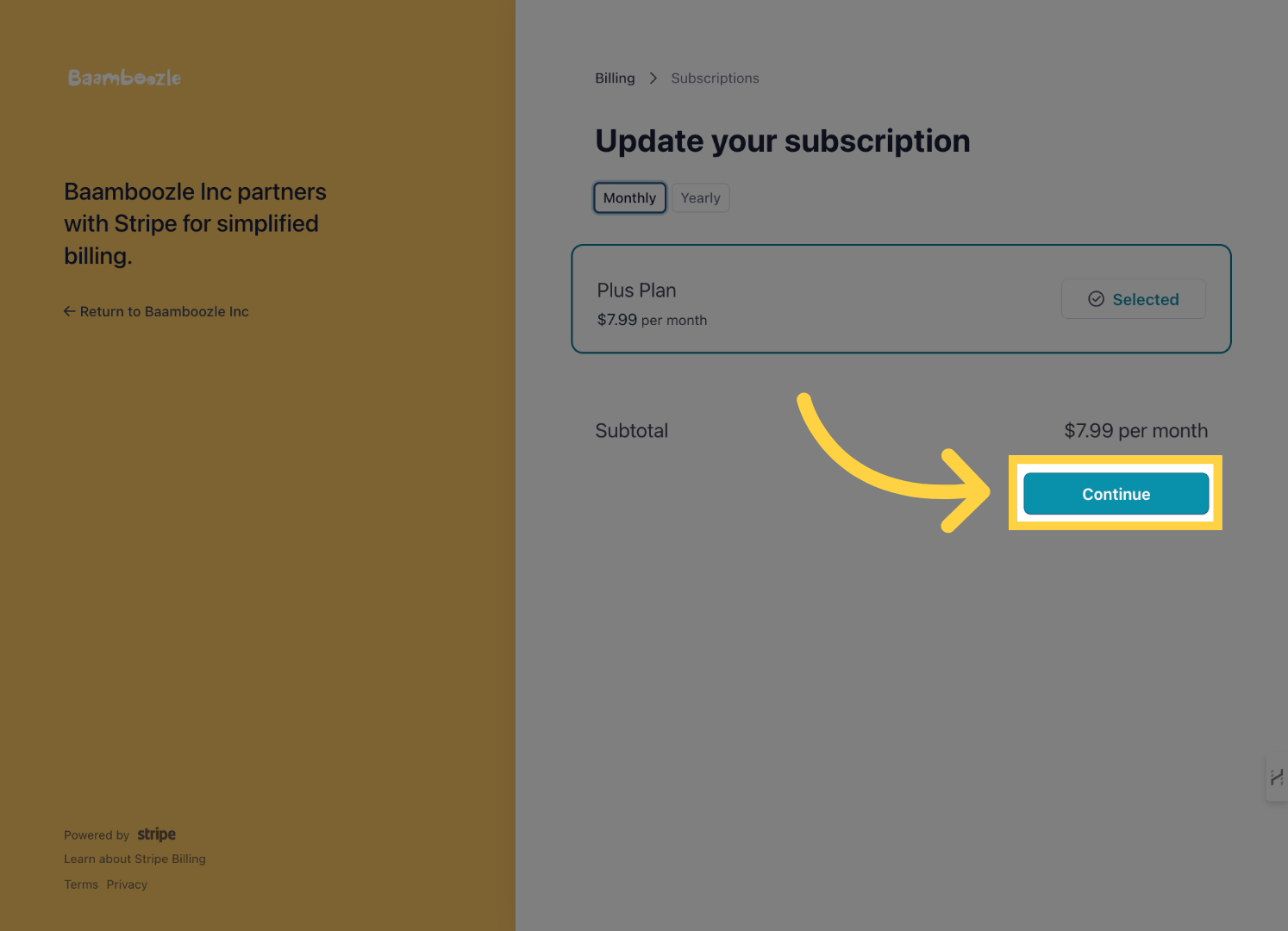
Choose the "Monthly" or "Yearly" subscription plan you wish to change to.
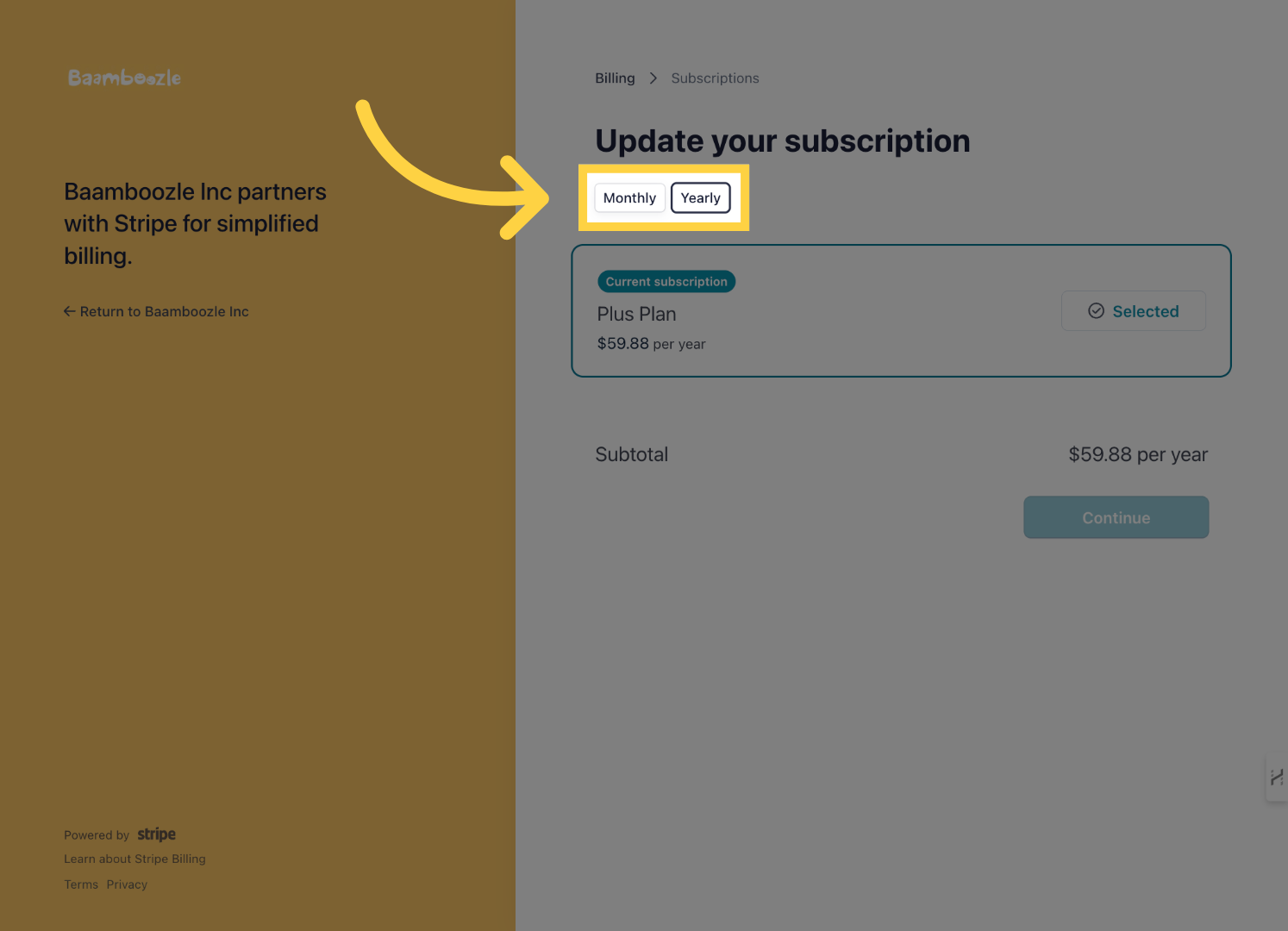
Click on the "Continue" button