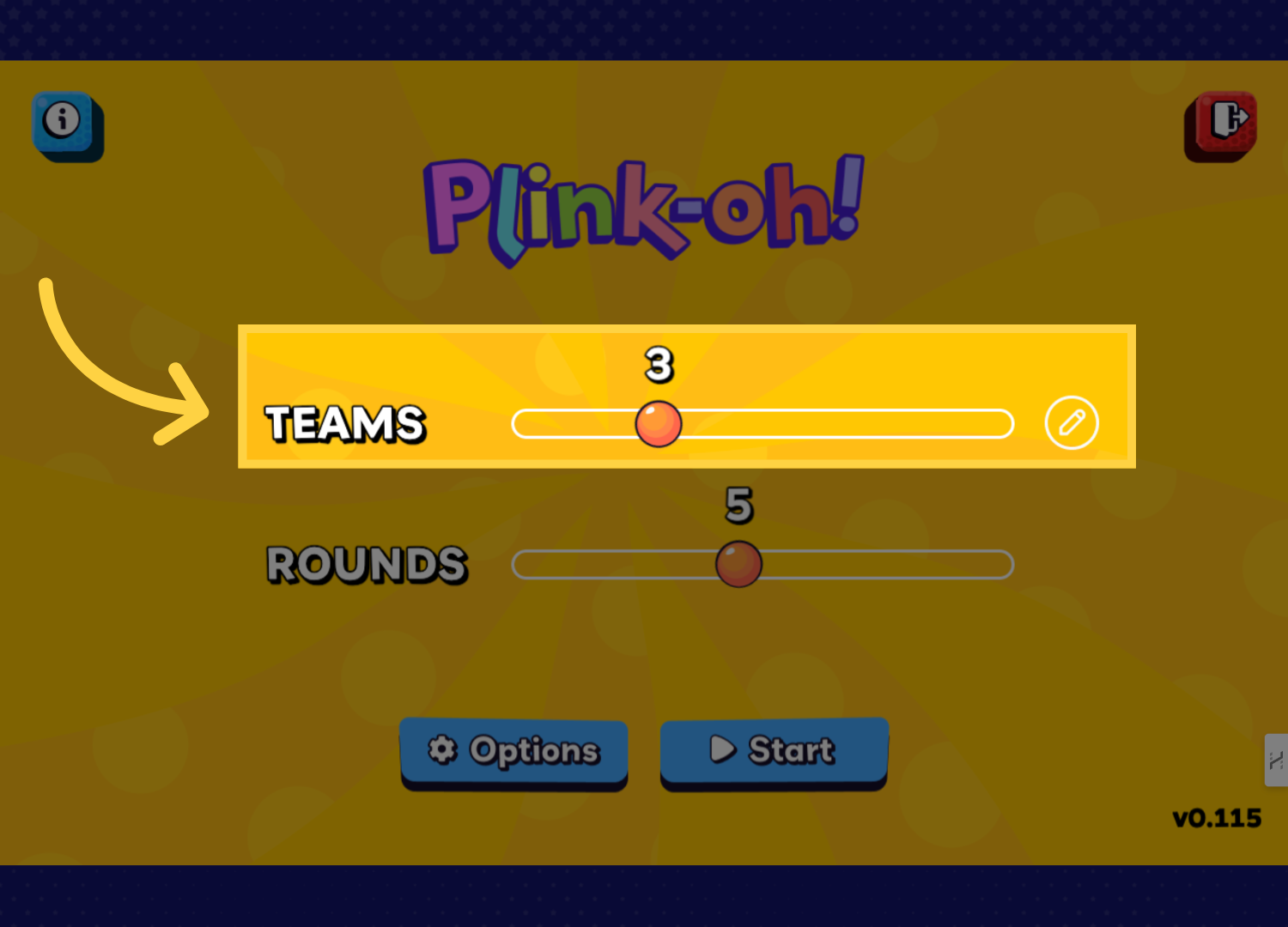
Plink-oh! is a fast-paced game where players drop a ball from the top of the board using the drop zones and aim for the highest-scoring buckets below. As the ball bounces off pegs, it earns extra peg points, and some buckets unlock fun power-ups. Players take turns answering questions, dropping the ball, and scoring points. After all rounds are finished, the player with the highest total score wins.
Select the number of teams or players you'd like to have.
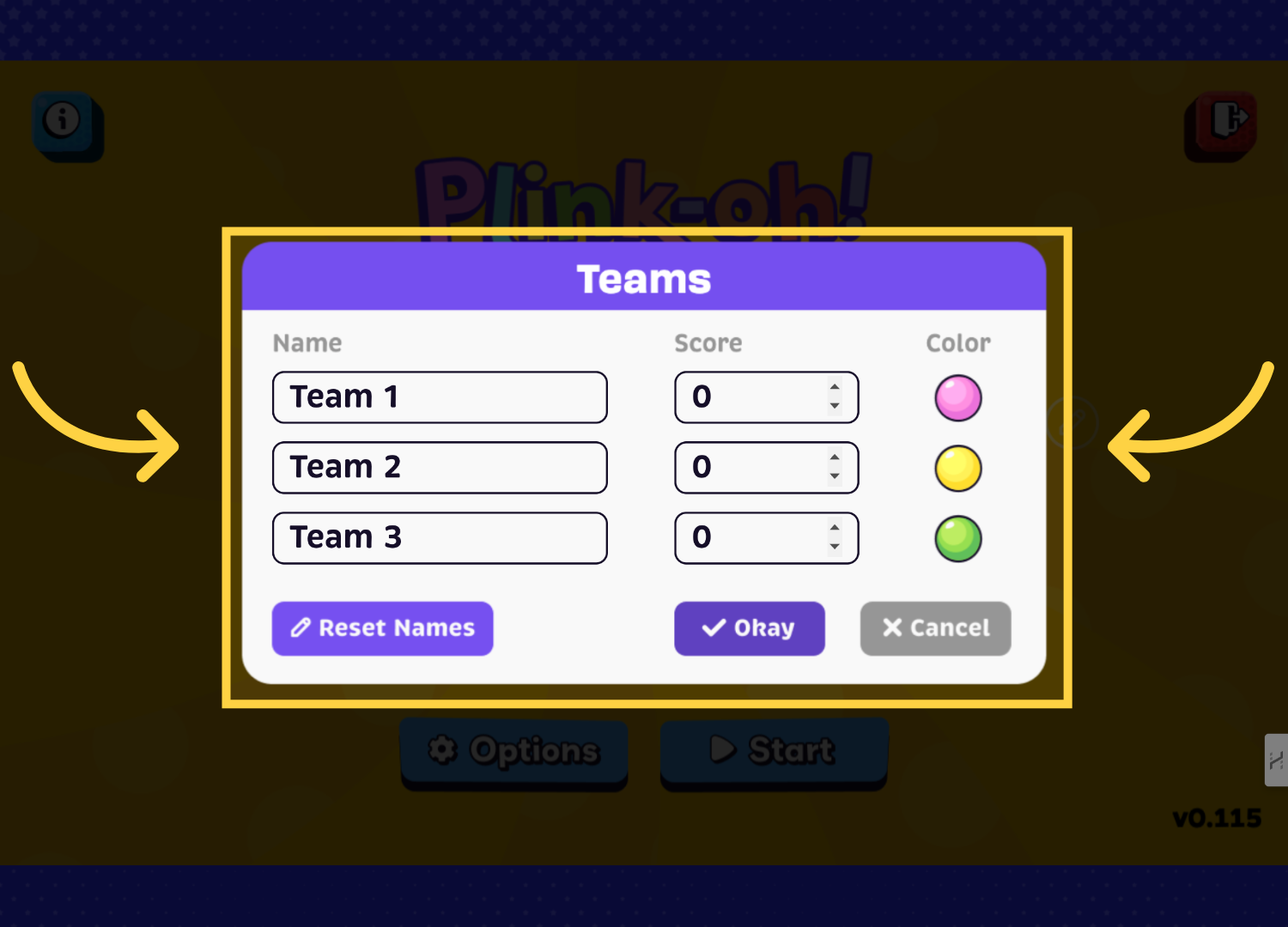
In this section, personalize your team by giving it a name and selecting the colors of the balls. When you are finished, click the "Okay" button.
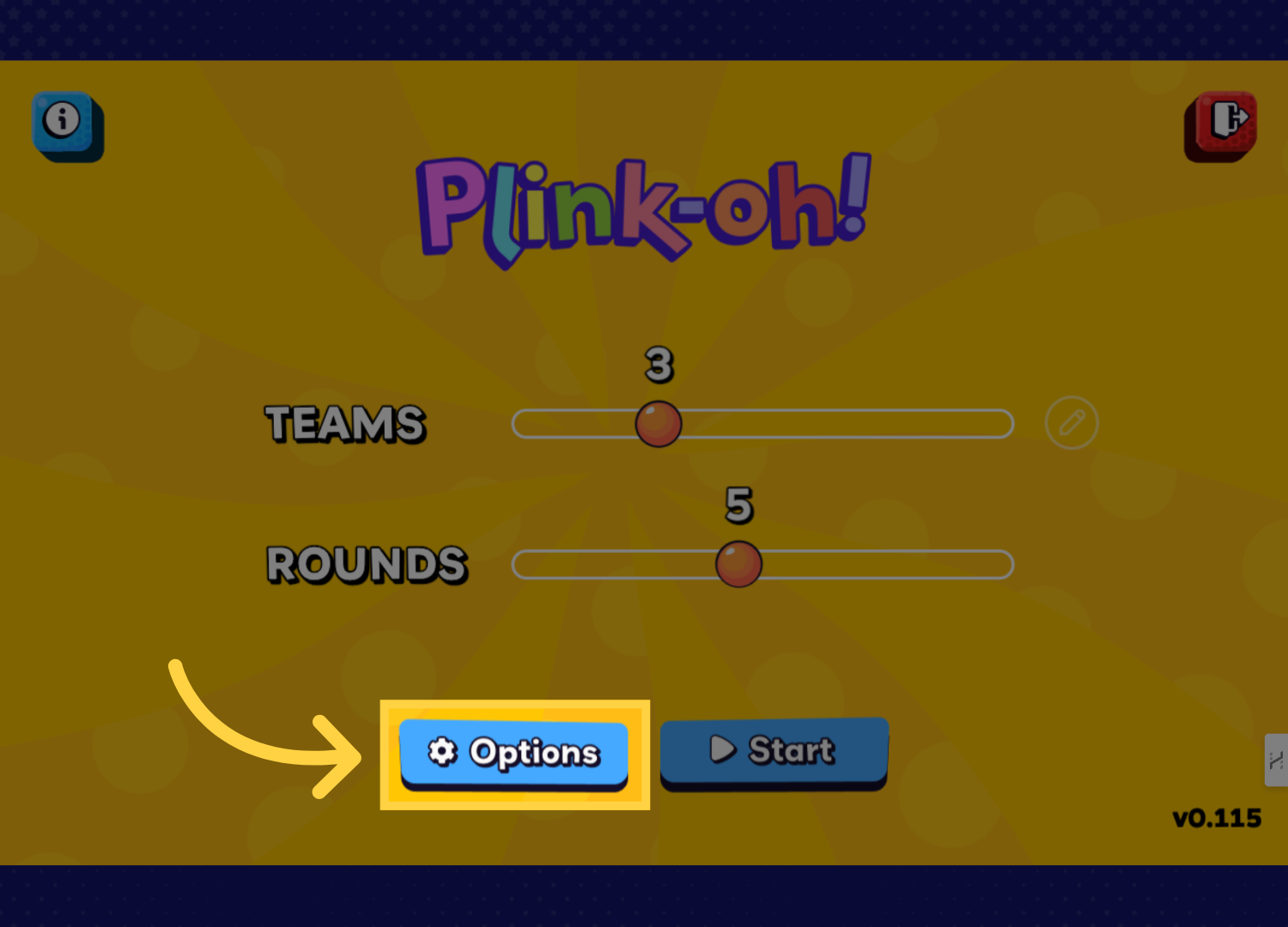
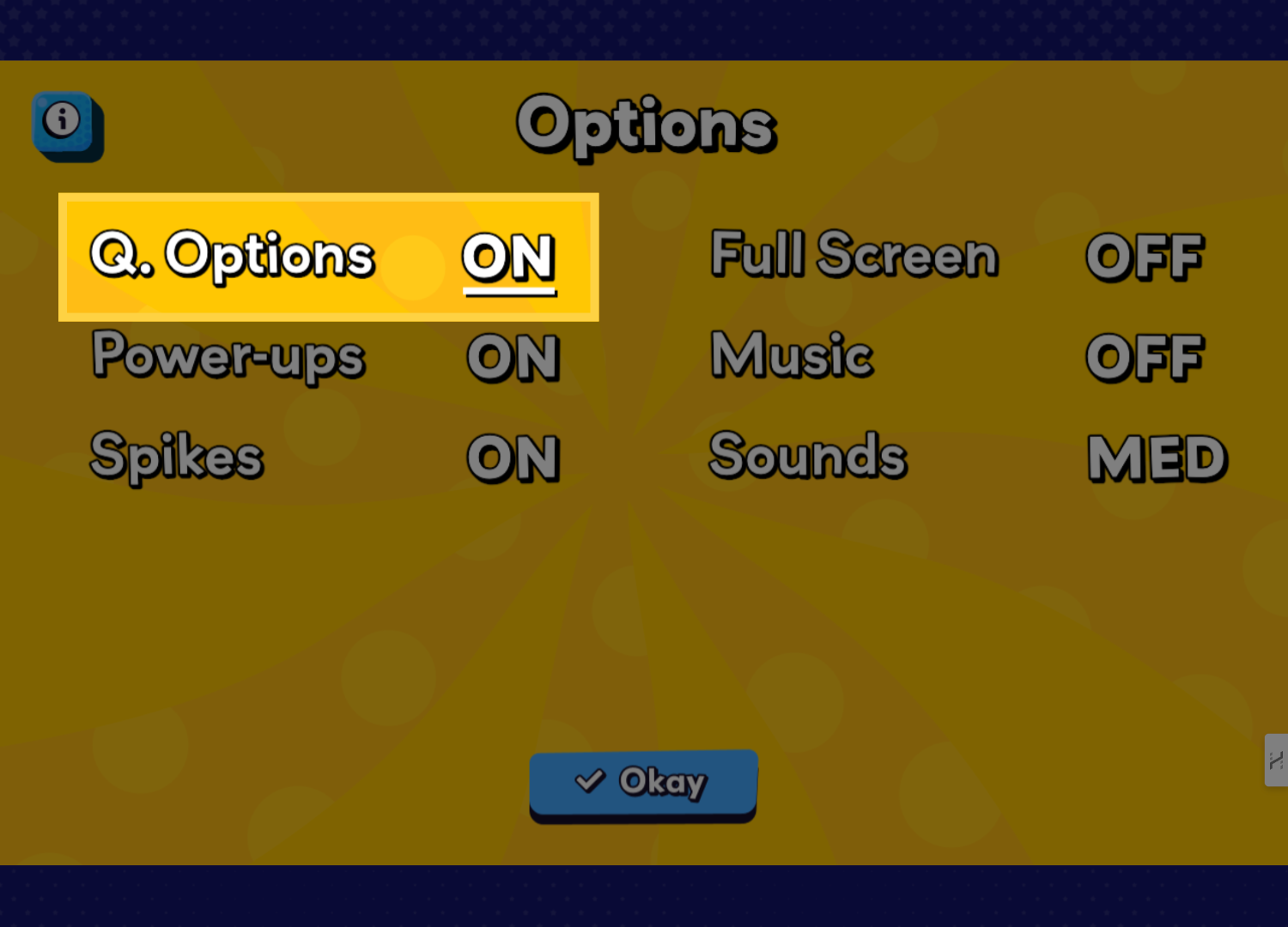
Now, choose your settings by clicking the "Options" button.
Customize your game experience by toggling various features such as power-ups and spiked pegs. Fine-tune the volume settings to ensure the perfect gaming atmosphere.5. Question options menu
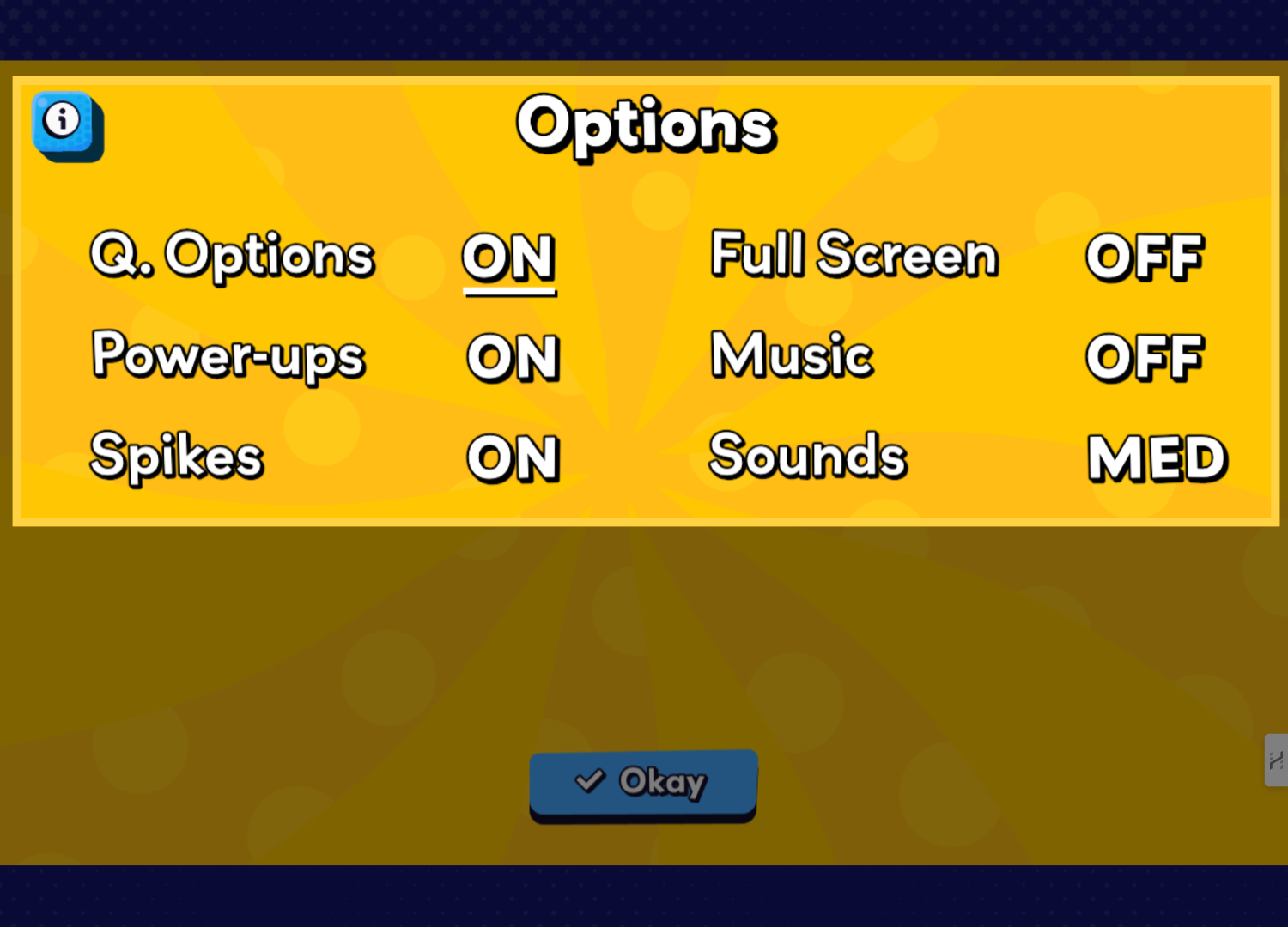
Selecting this will open the question settings.
Turn questions on or off, choose how many to answer per turn, answer questions manually, enable a question timer, and choose whether questions appear in random order.