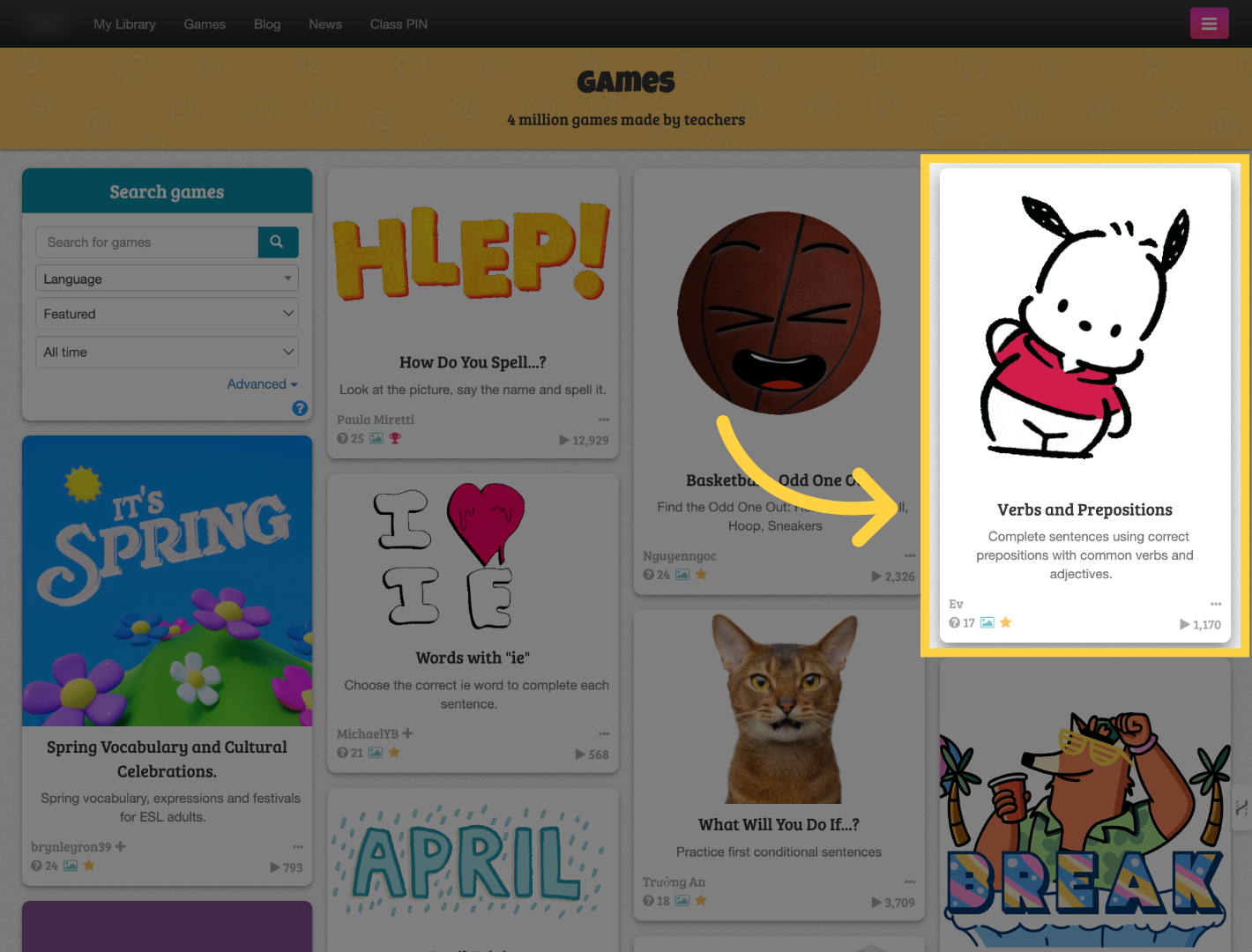
Locate the game that contains inaccurate information or violates our guidelines.
Find the flag icon labeled "Report" and click it.

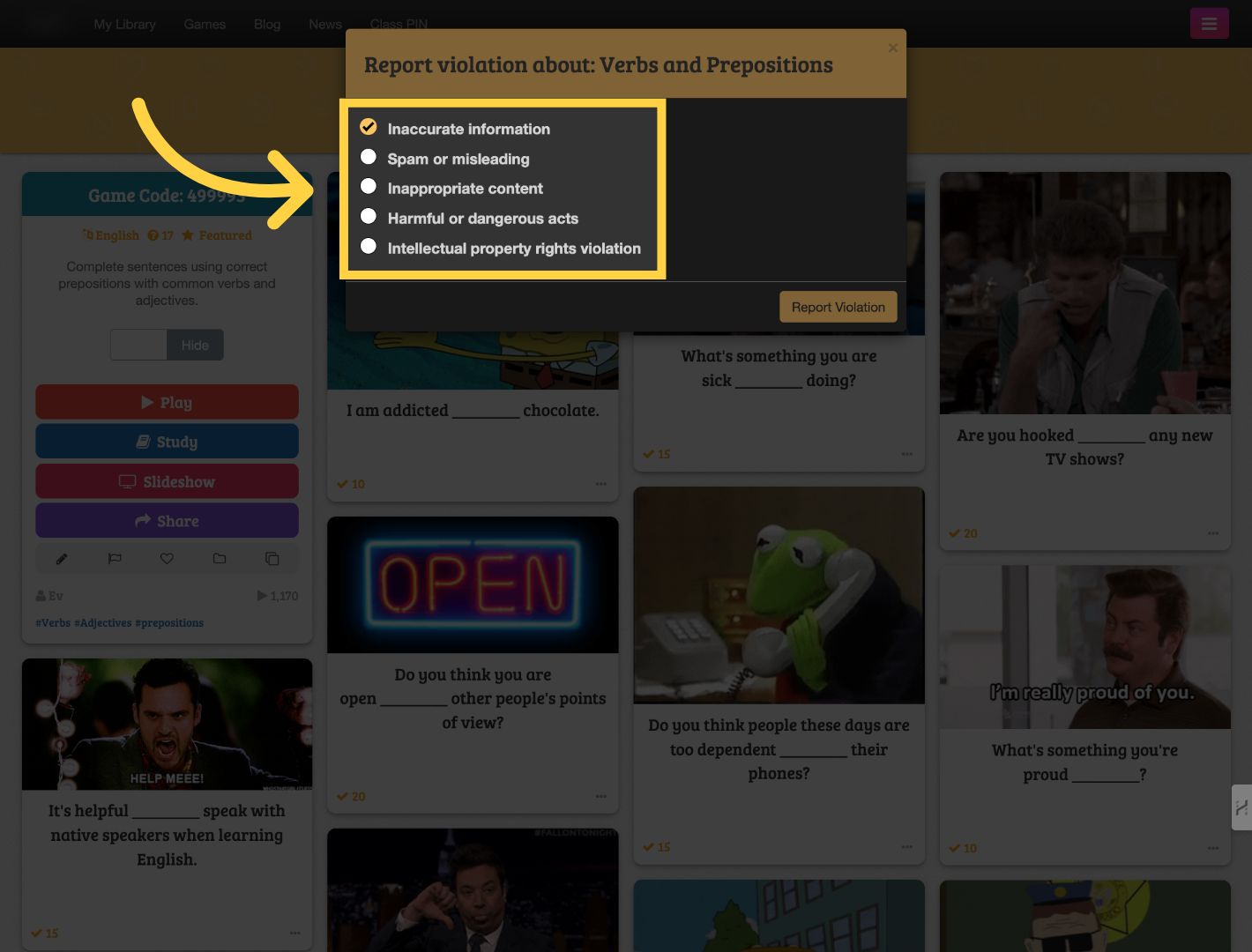
Under Report violations, choose the reason that best applies: Inaccurate information, Spam or misleading, Inappropriate content, Harmful or dangerous acts, or Intellectual property rights violation.
Submit the report.
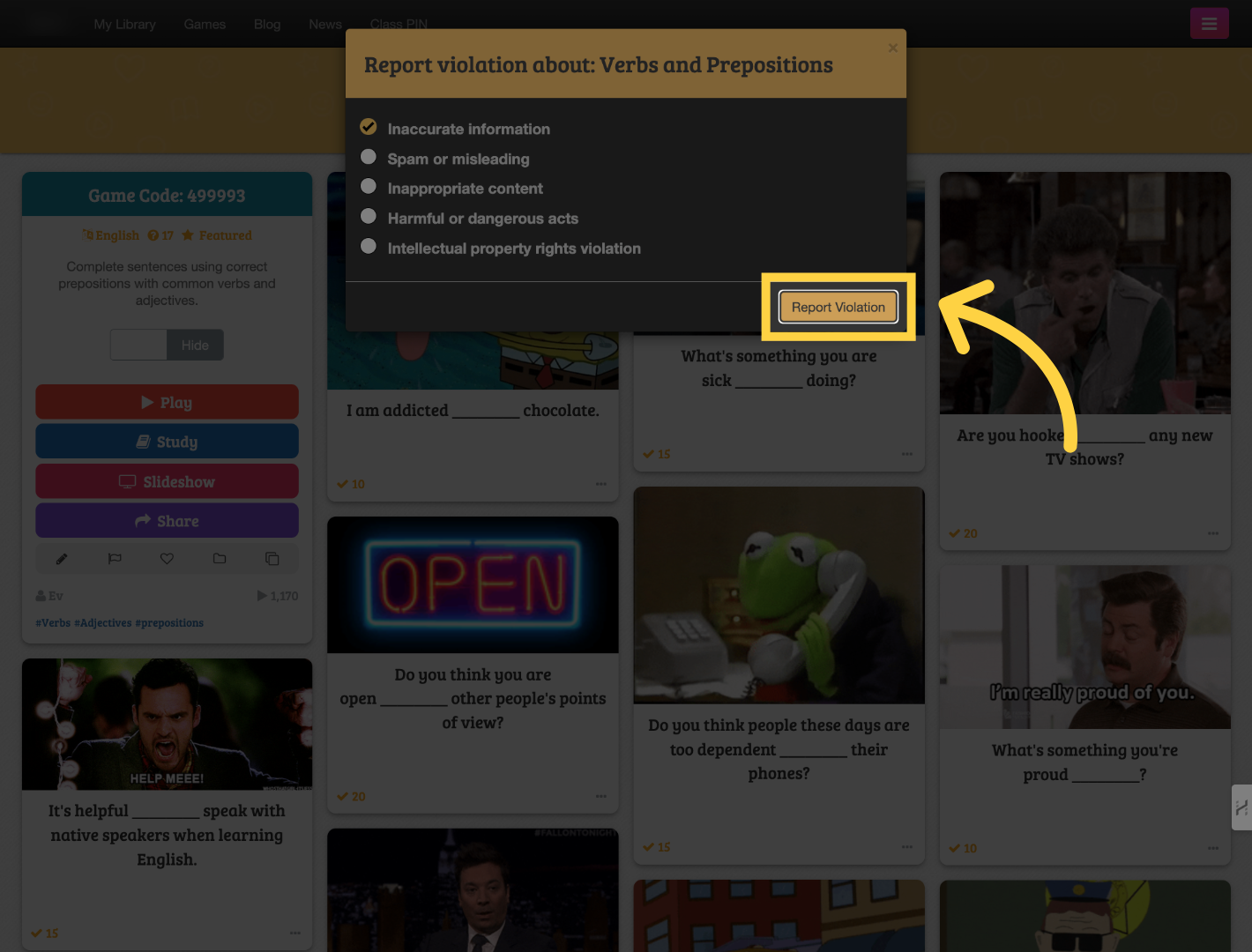
Once you receive the confirmation message, the game has been successfully reported to our staff for review.