🎥 Watch this quick video walkthrough to see how to play Guess-eroo!
Guess-eroo Walkthrough - Short.mov
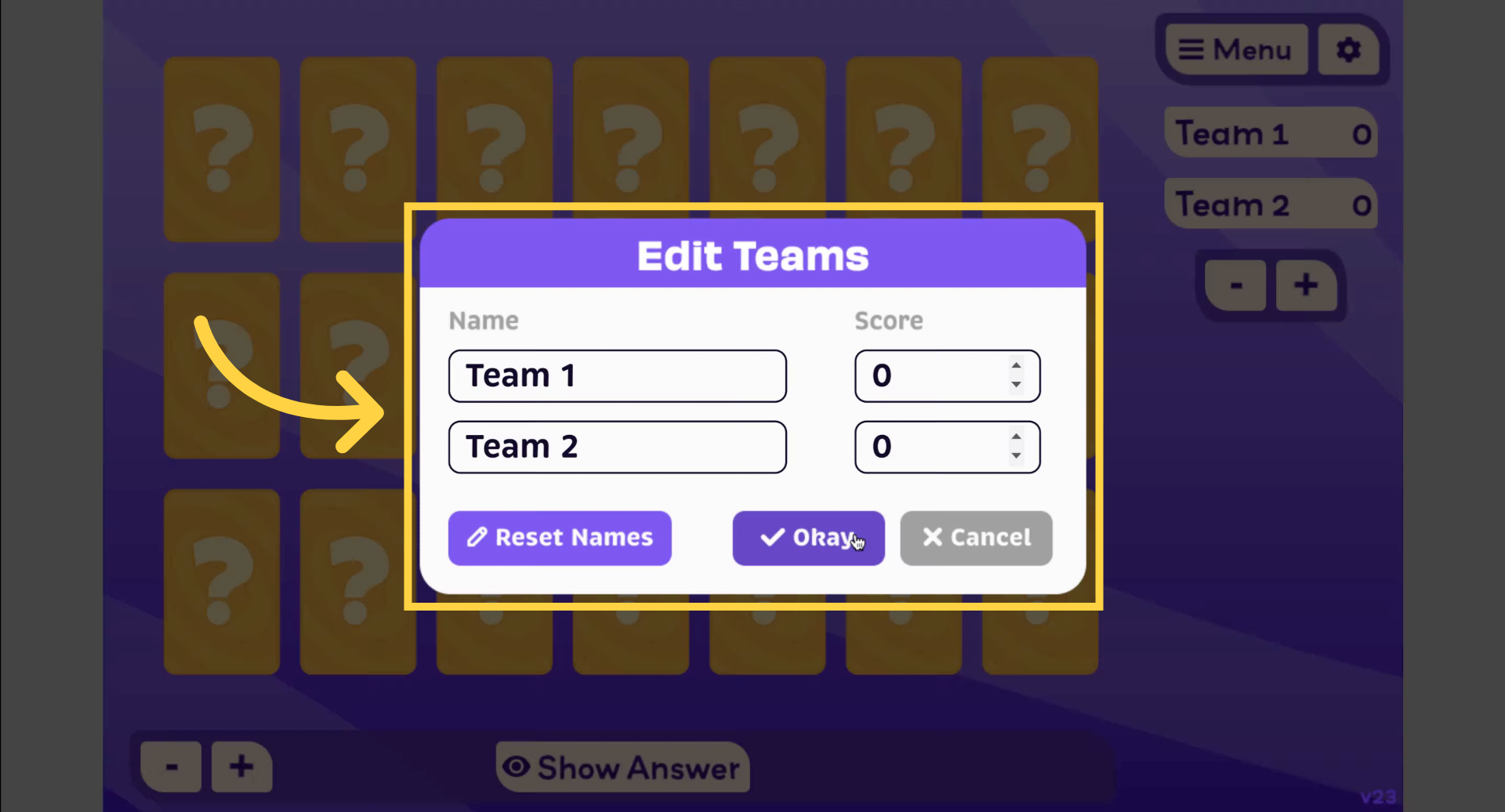
To name your teams, simply type in the team name fields provided.
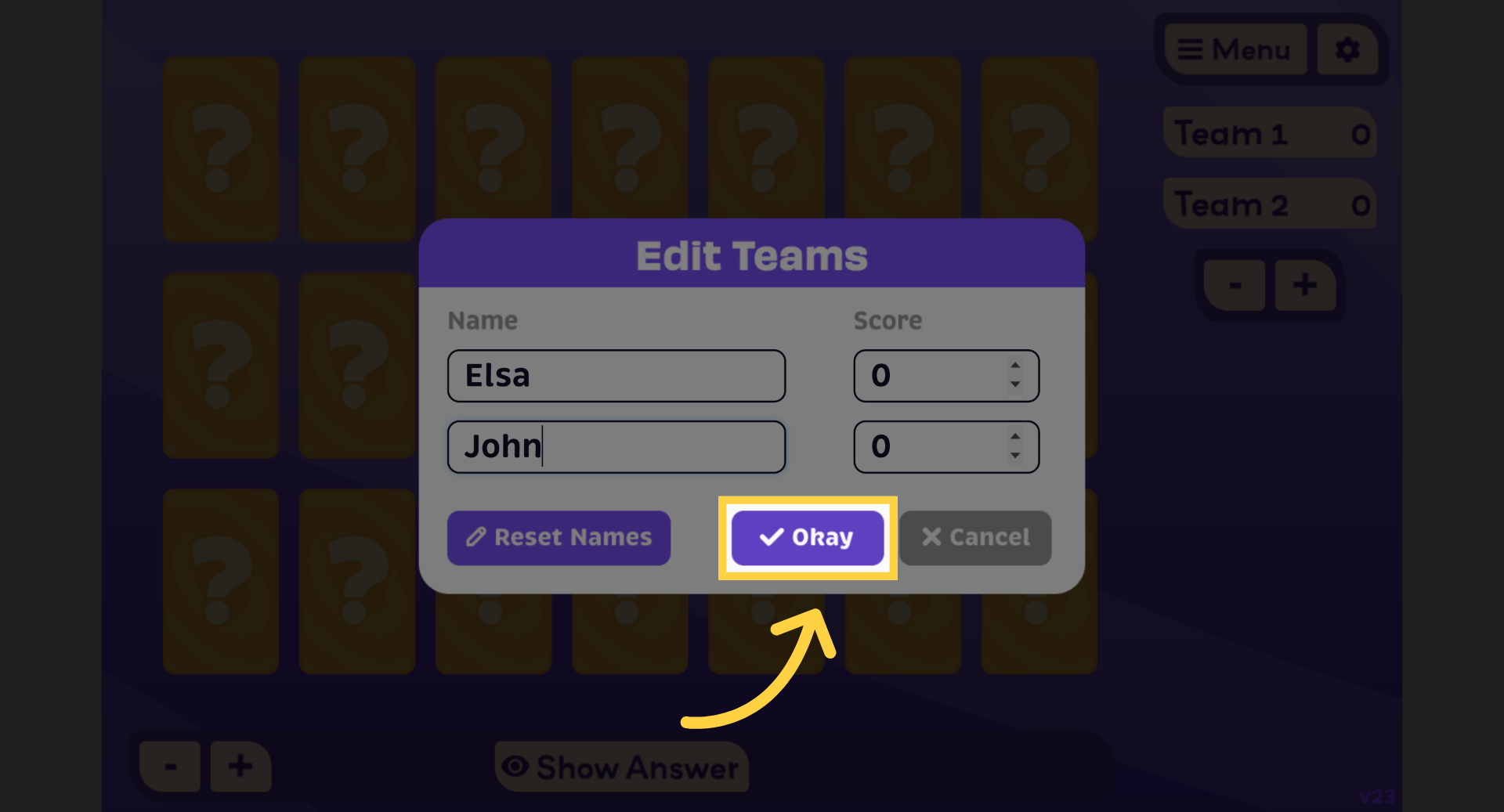
When you're done, click "Okay" to save your team names and proceed to the next step.
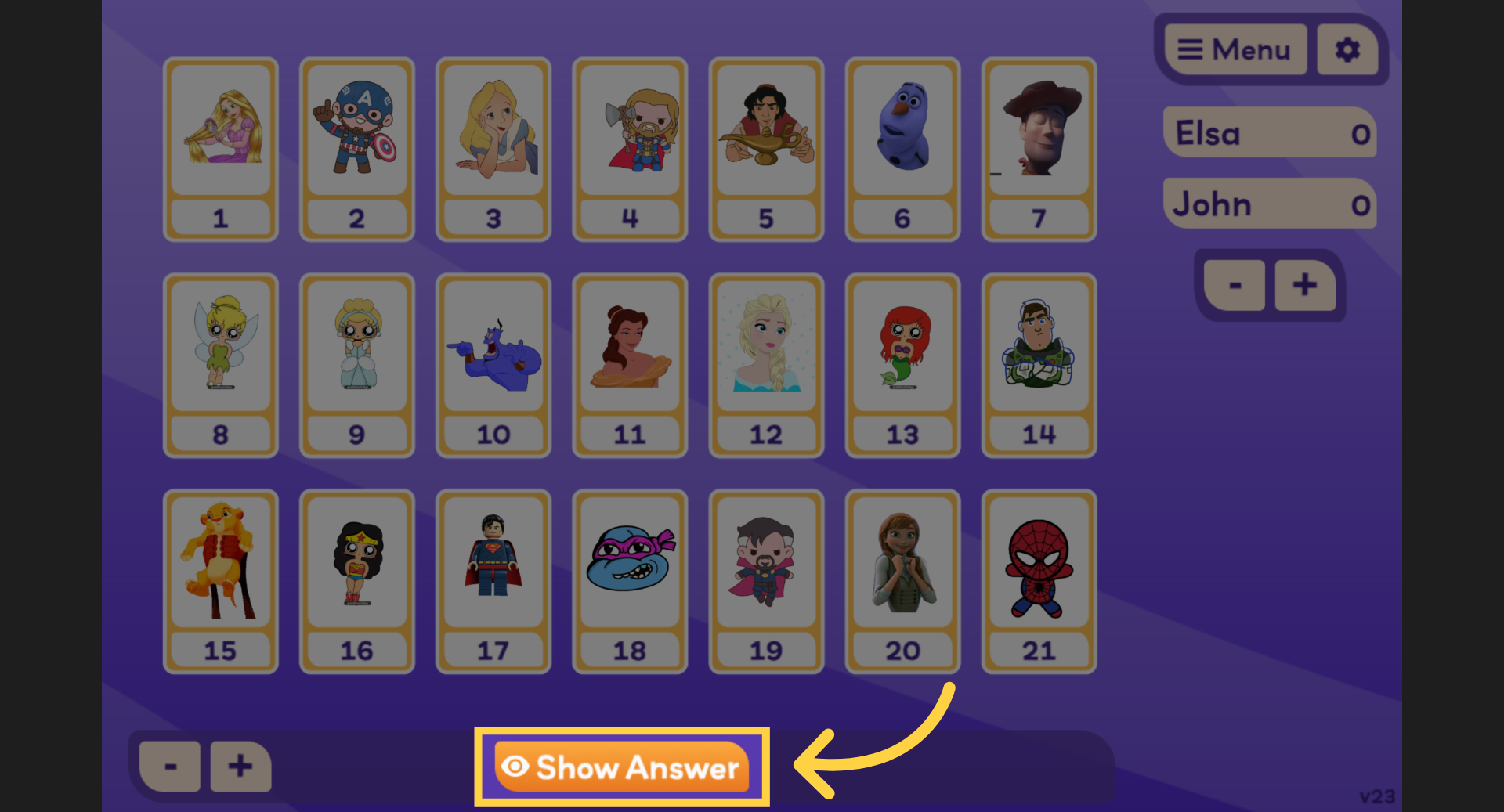
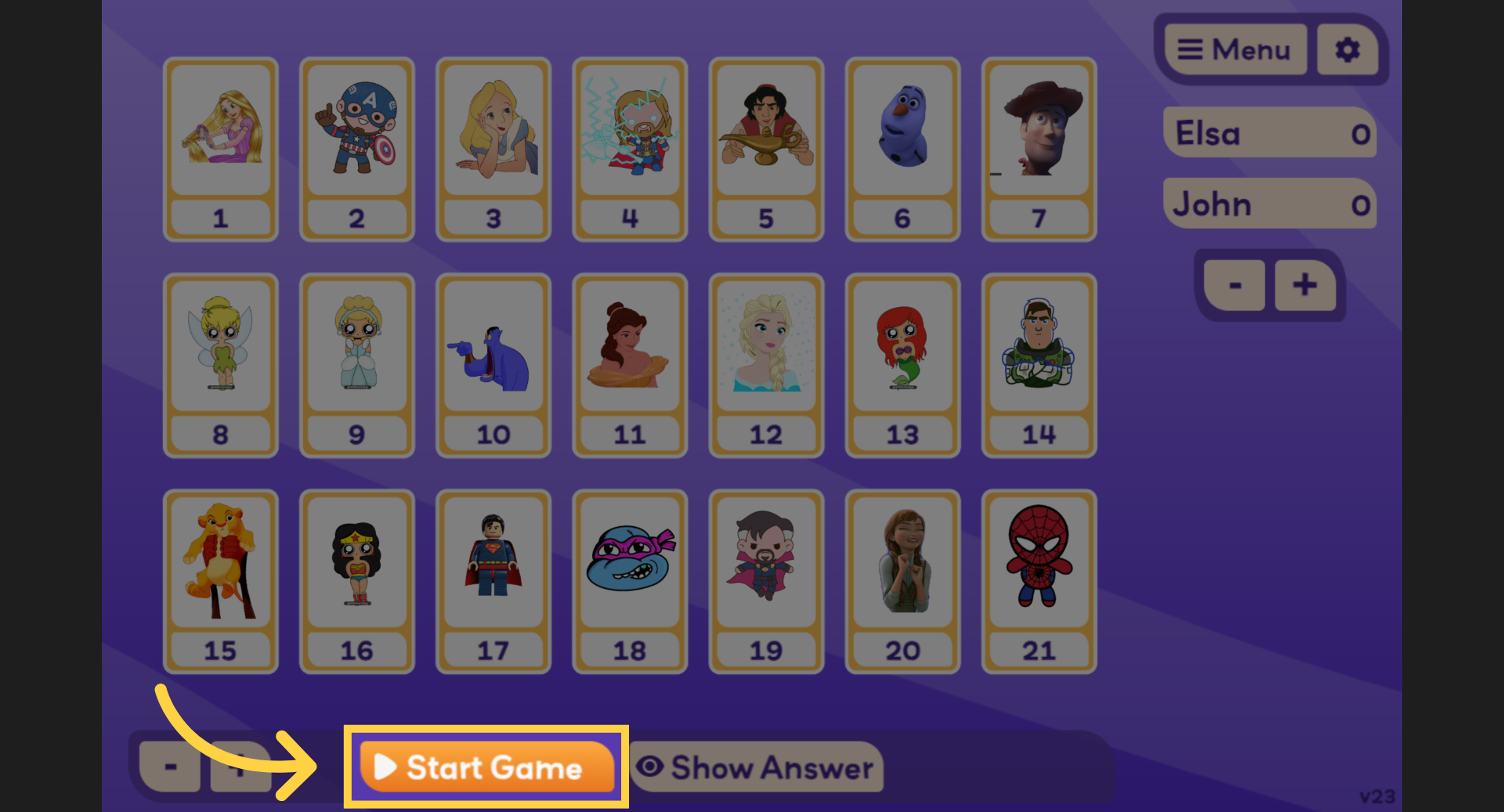
Click "Show Answer" to reveal the secret card the students are trying to guess.
Then click "Hide Answer" to hide the secret card again before continuing the game.
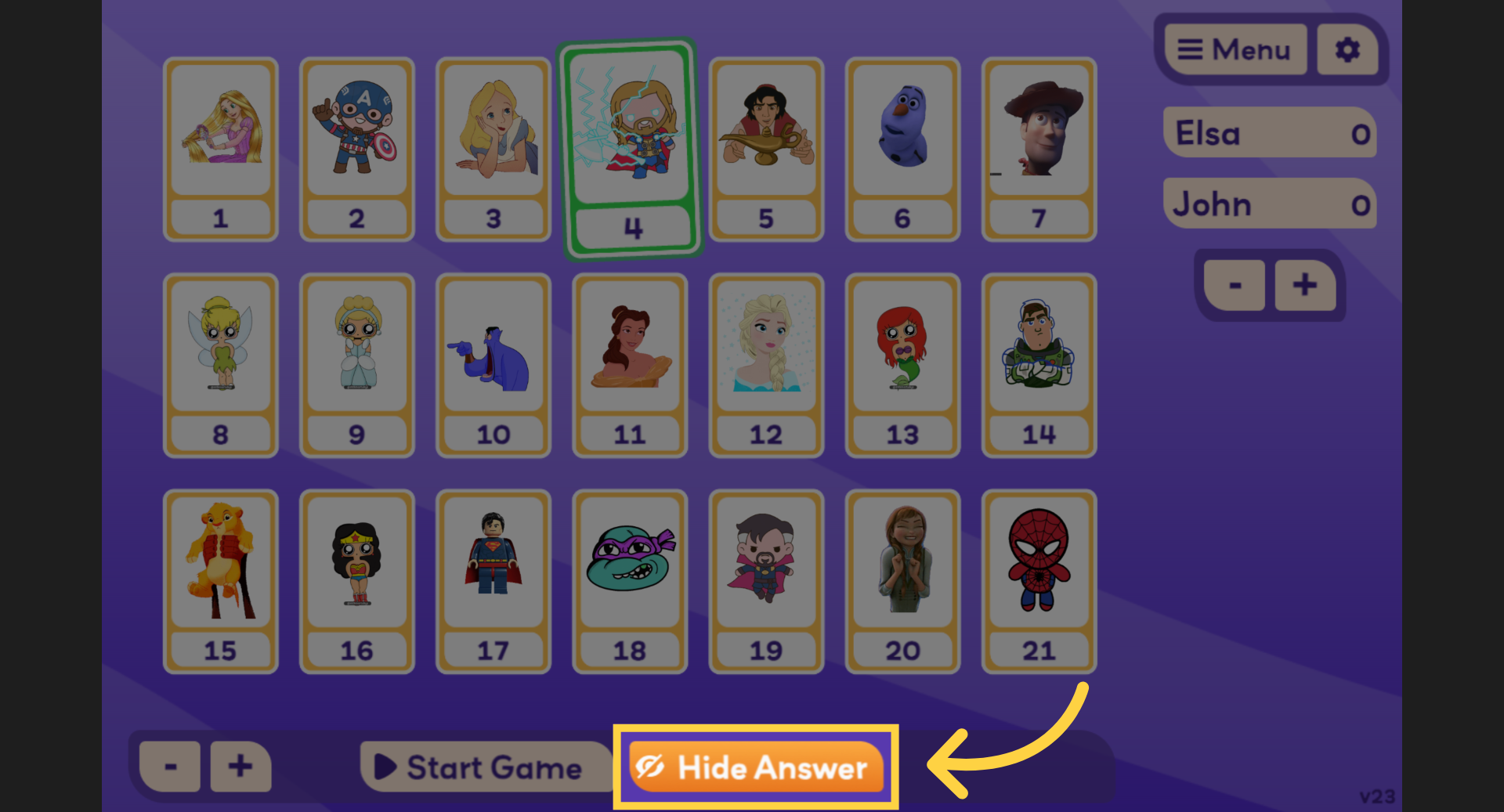
Click Start Game to begin the round.
Students take turns asking yes or no questions to narrow down the secret card.