Navigate and Configure Team Settings in Ian-bbzl Application (1).mp4
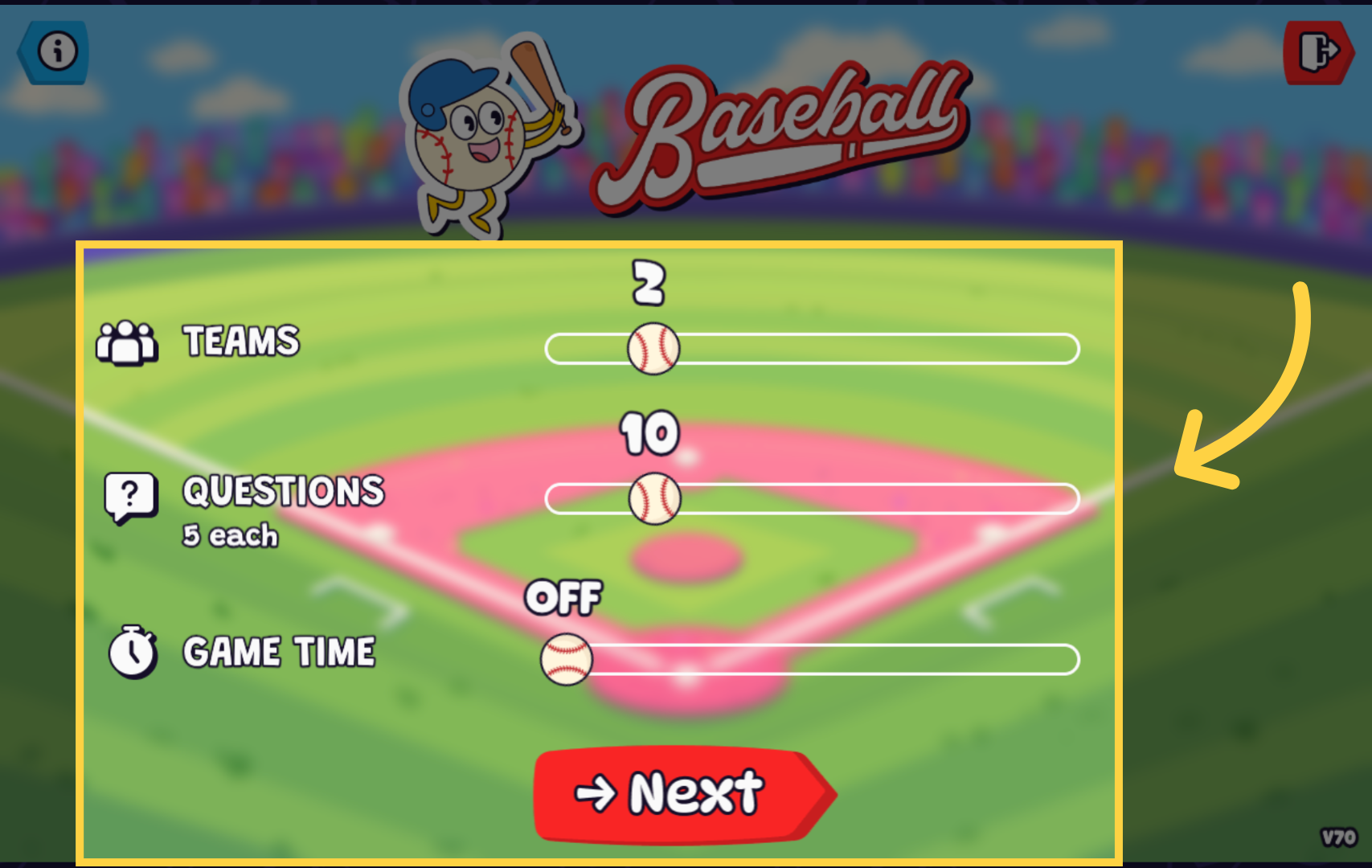
From this screen, you can choose team size, the number of questions each team will answer, and decide whether or not to use a game timer. Simply click the "Next" button once you've made your selections.
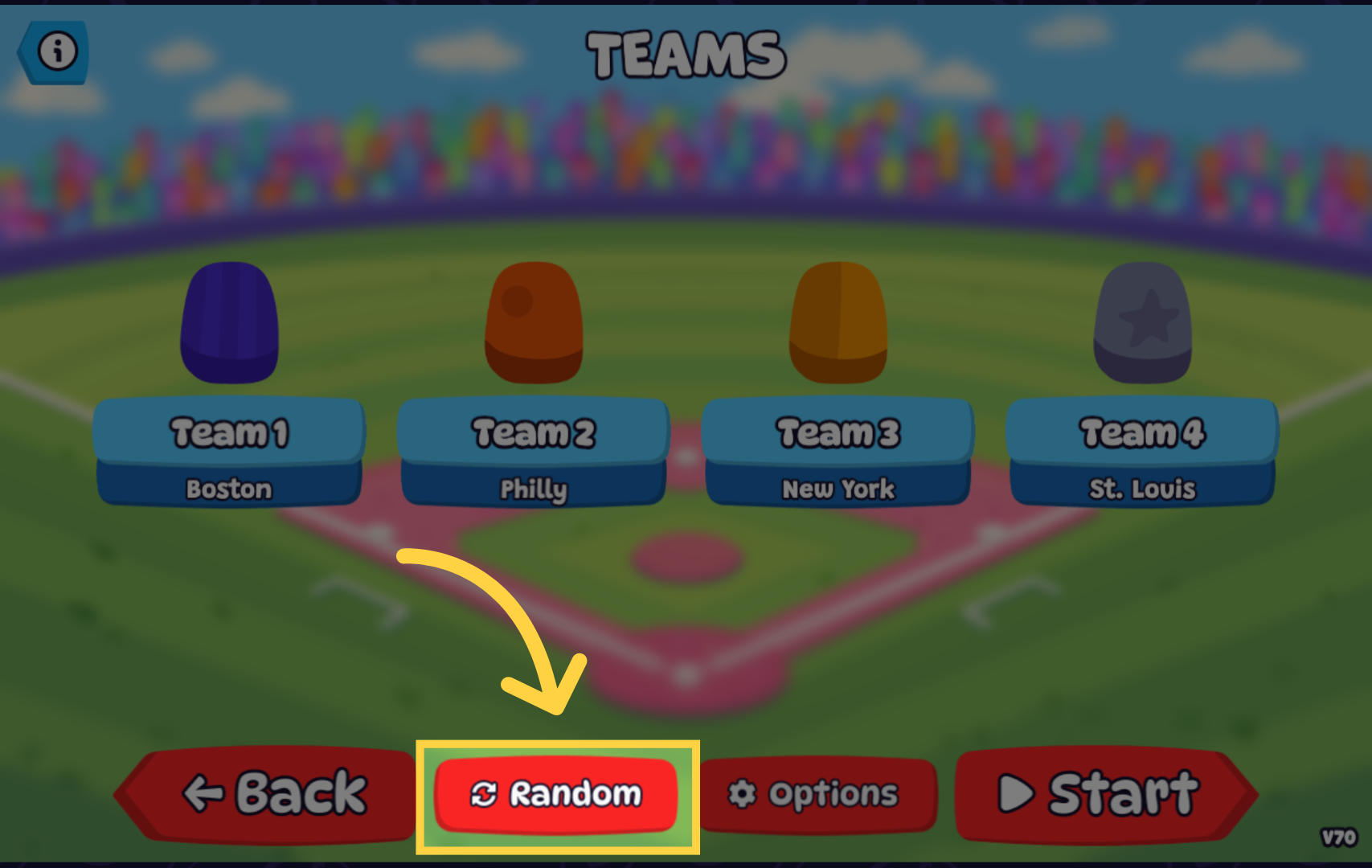
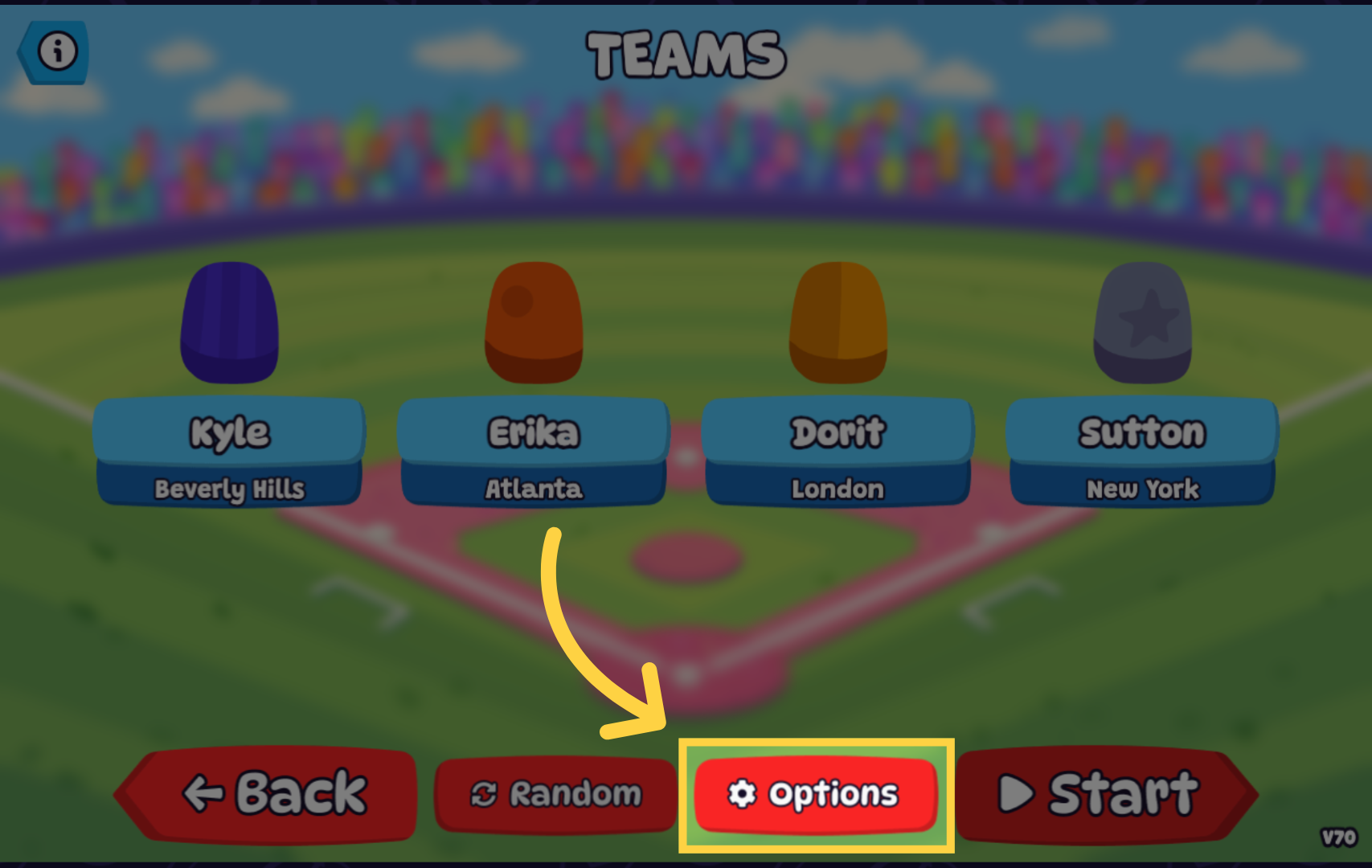
Click the "Random" button to automatically generate team uniforms, colors, and team locations.
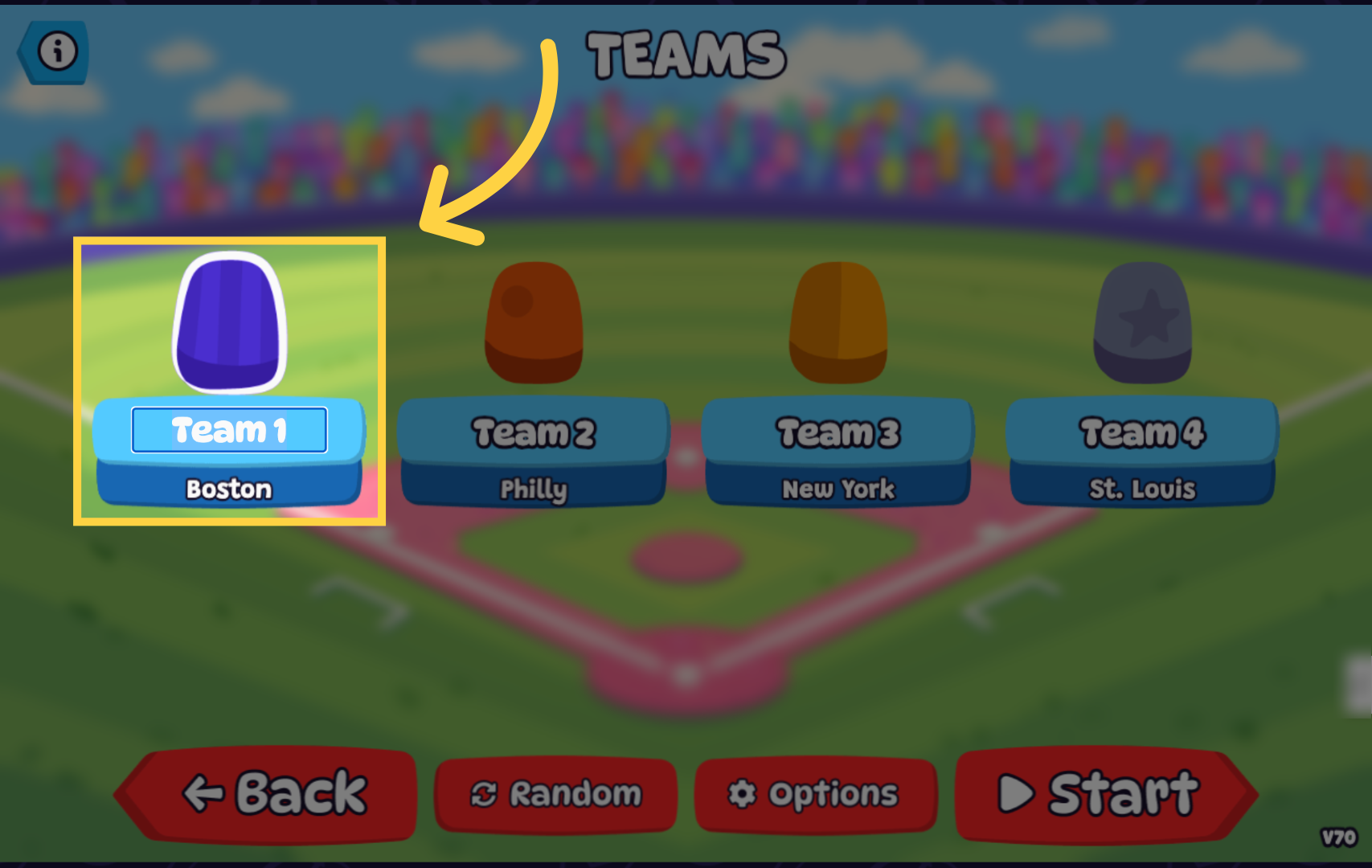
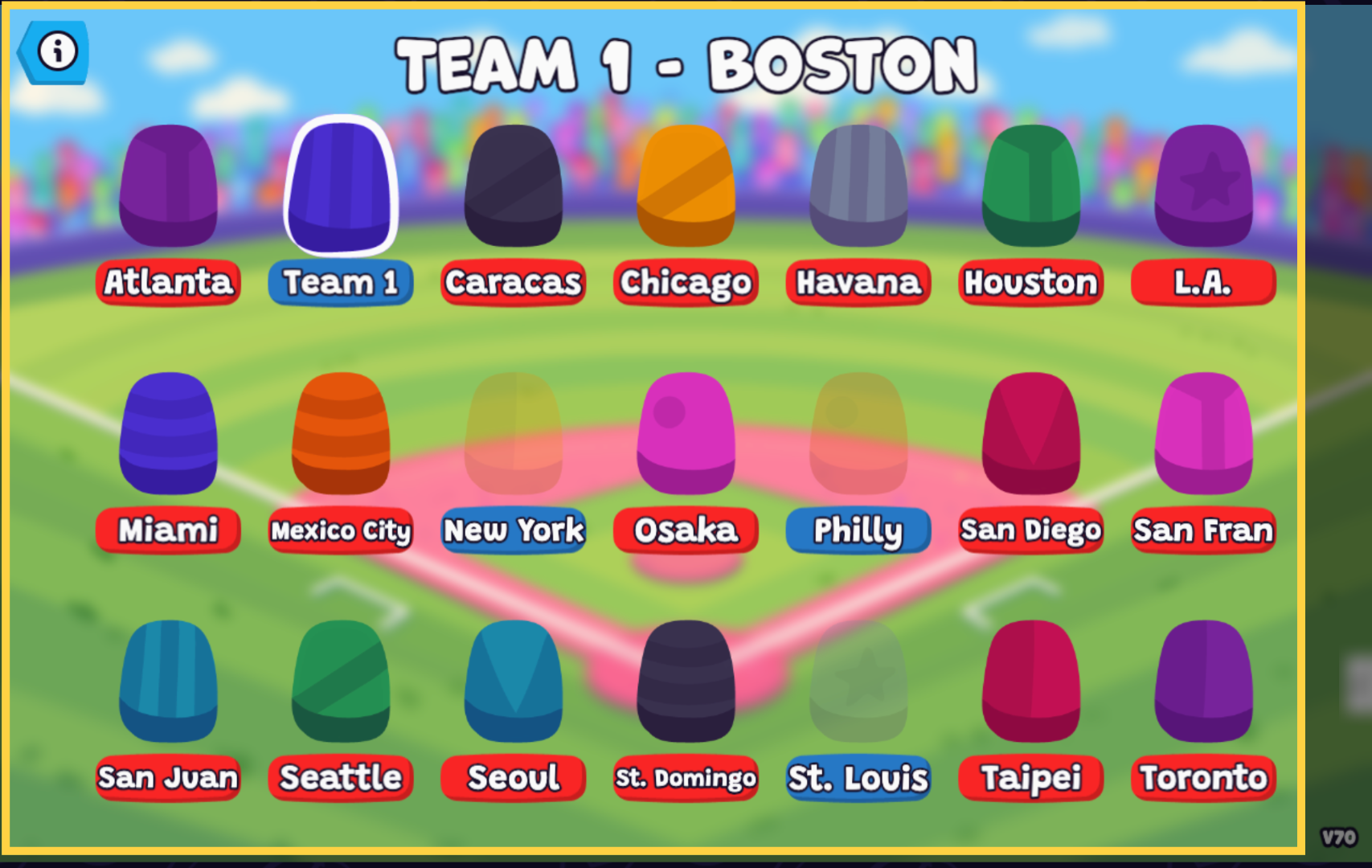
To customize your team, click on the team name box to edit the team name or location. Click on the jersey to open the team selection menu.
Select the uniform you would like to use for your team.
Click the "Options" button to configure the game settings.
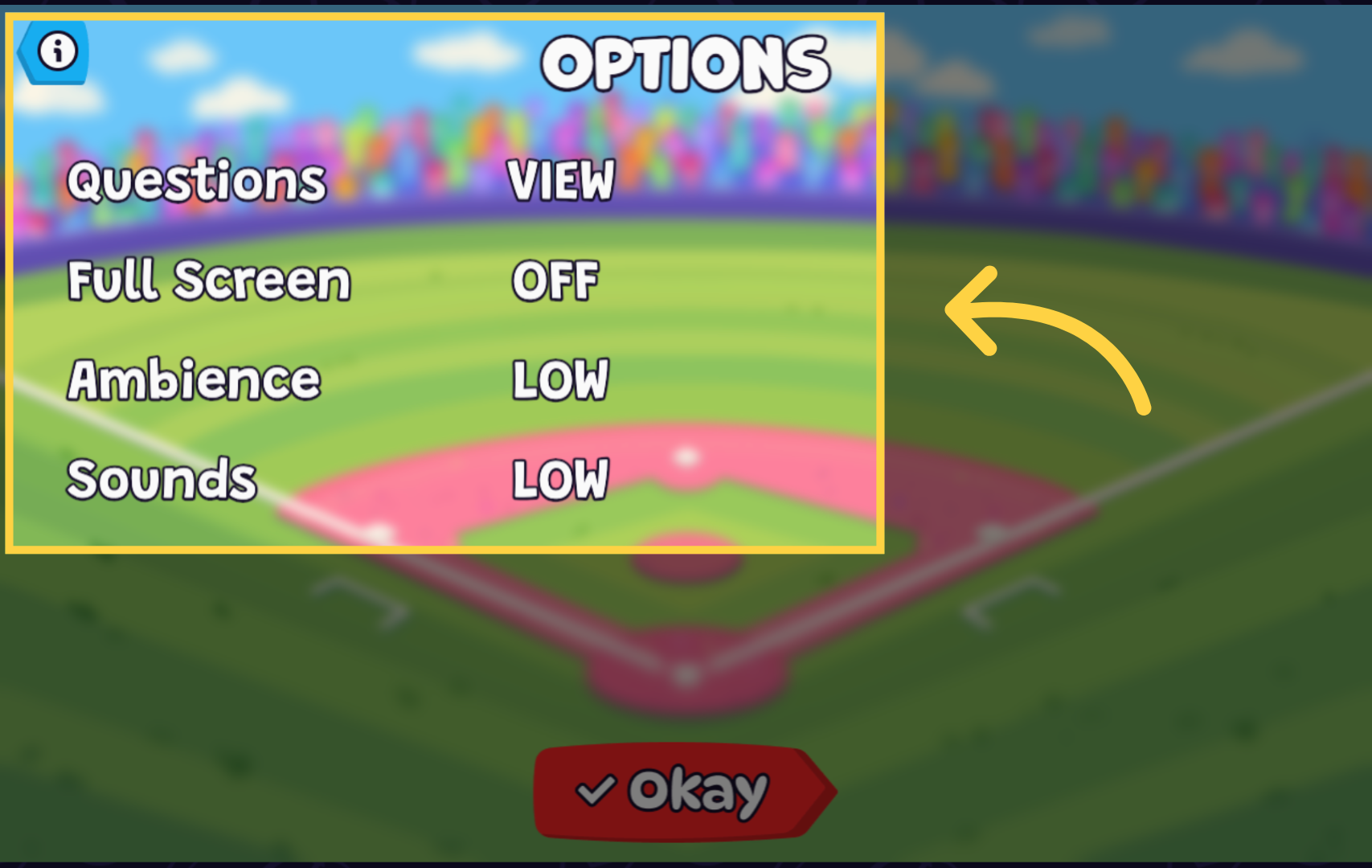
From the options menu, you can customize your game settings, including question settings, full screen mode, crowd and stadium sounds, and regular game sound effects.